Free PDF to EPUB converter The right format,
 ready for your reader.
Turn PDFs and documents into EPUBs with real chapters, beautiful text, and settings made for your Kindle or e-reader.
Convert a file to EPUB
Upload
Start with a file.
Drop it in and we’ll make it ready for reading.
Drop a file here
or choose a file
PDF, DOCX, RTF, TXT, ODT, HTML, EPUB · up to 100 MB
Conversion model
Best for novels and ordinary text PDFs.
· Uploaded files deleted automatically · 30 credits free when you create an account
What every converter promises.
This one keeps them.
Converting
scanned pages
Type that
reflows
Sized for
your reader
How it works
See the difference on your reader.
Choose a type of book to see how the reading experience changes.
Real pages from an illustrated public-domain edition of Alice’s Adventures in Wonderland.
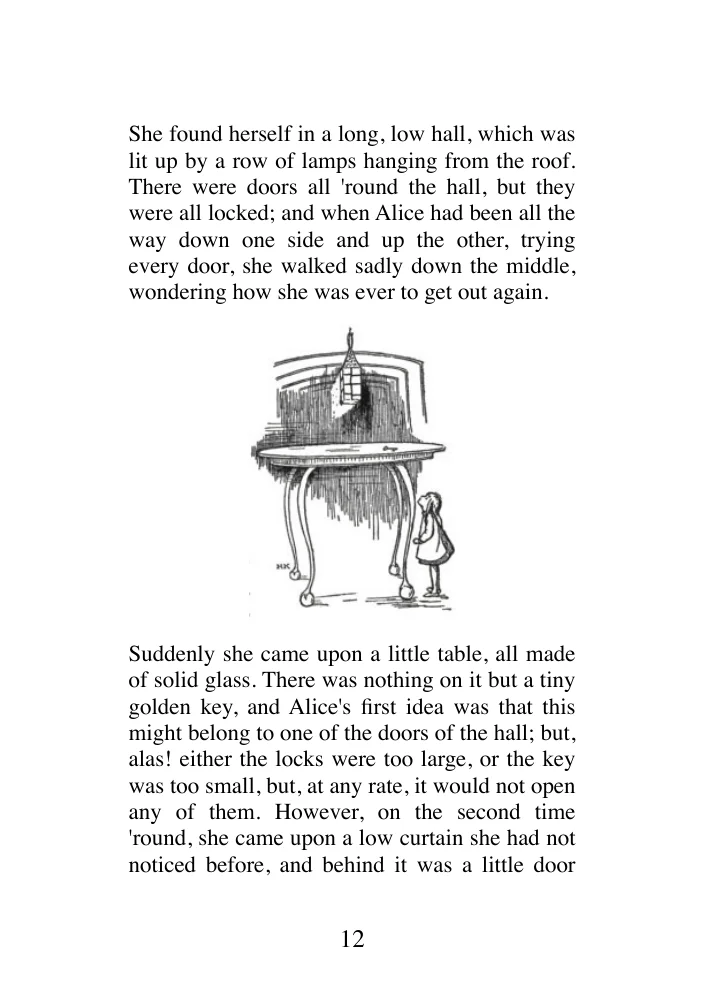
The PDF keeps its printed page
- Small text stays fixed at its printed size
- The illustration shrinks with the page
- Reading often means zooming and panning
- Page numbers sit inside the reading area
- Watermarks and ads clutter every page
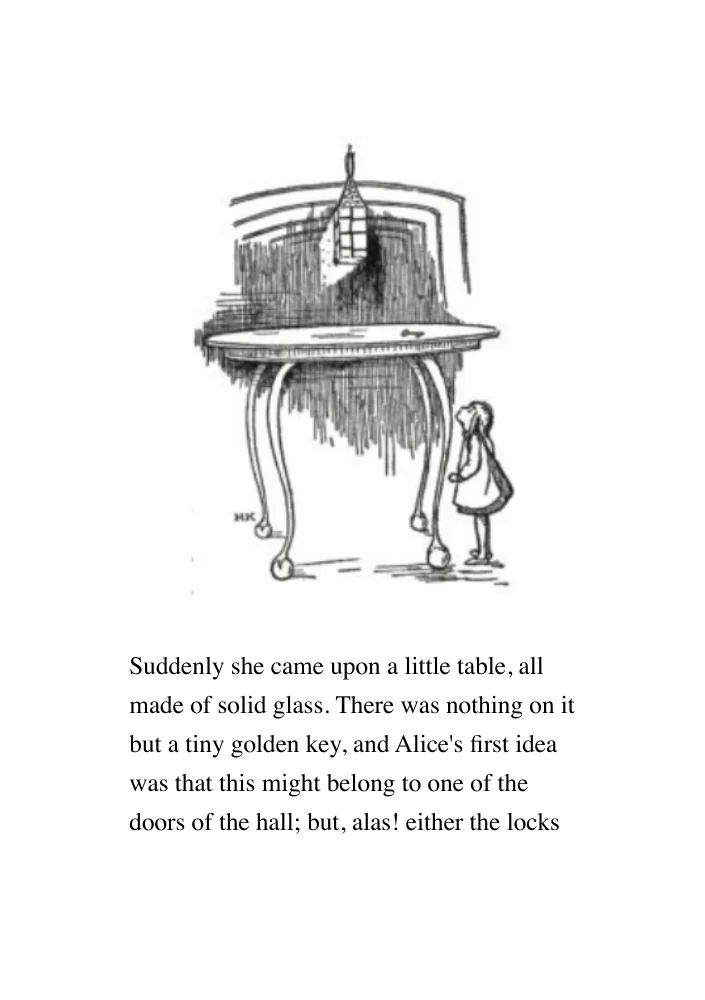
The EPUB reflows the story
- Text adjusts to your reader
- The original illustration stays in place
- Chapters and paragraphs flow naturally
- Printed page numbers leave the story text
- Watermarks and ads stripped away automatically
Real before-and-after pages from a technical PDF conversion.
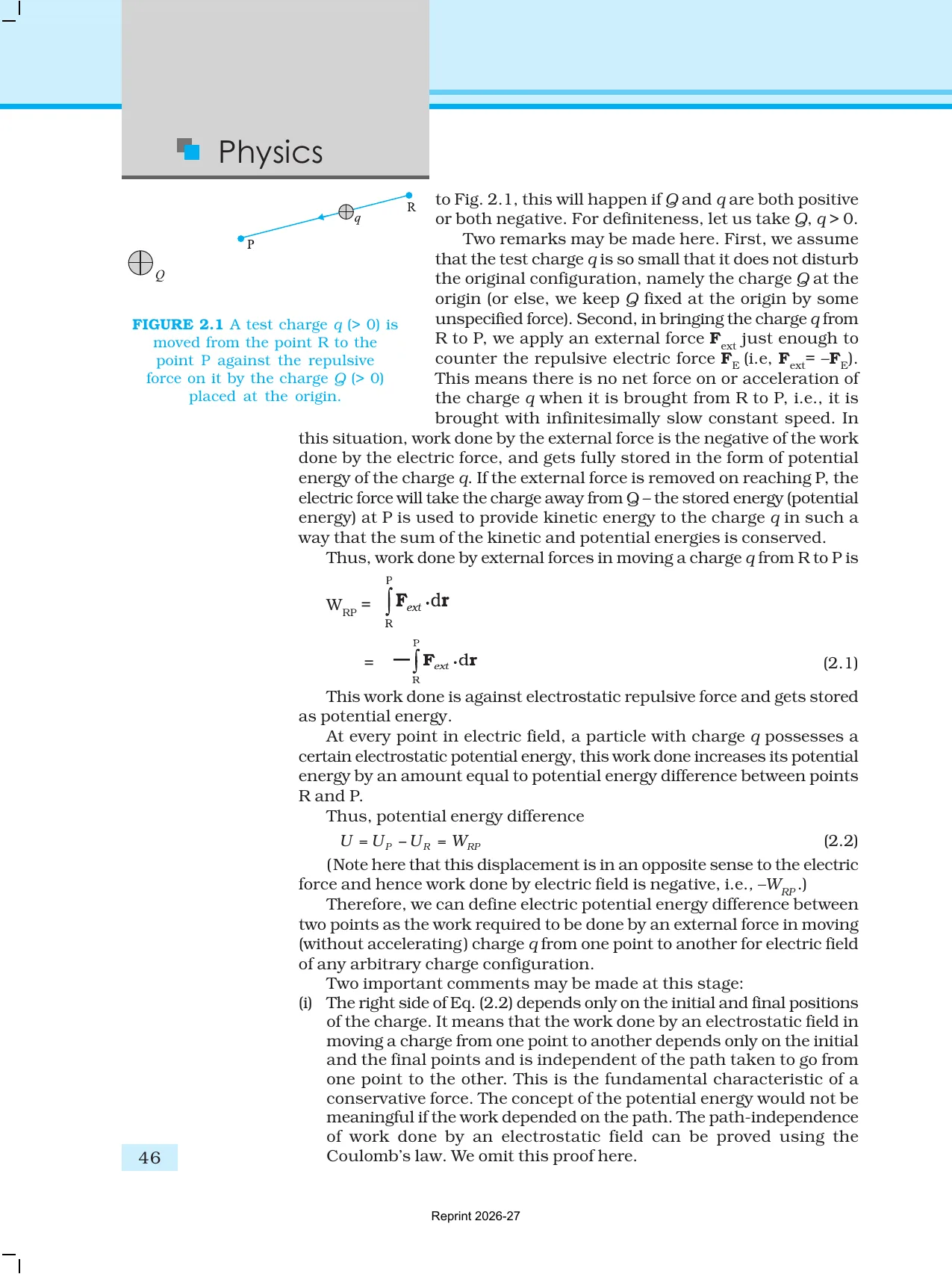
A PDF stays trapped on the page
- Columns and small type are hard to follow
- Equations shrink with the page
- Footnotes aren't clickable
- Watermarks and ads clutter every page
- No clickable TOC, so finding chapters is a pain
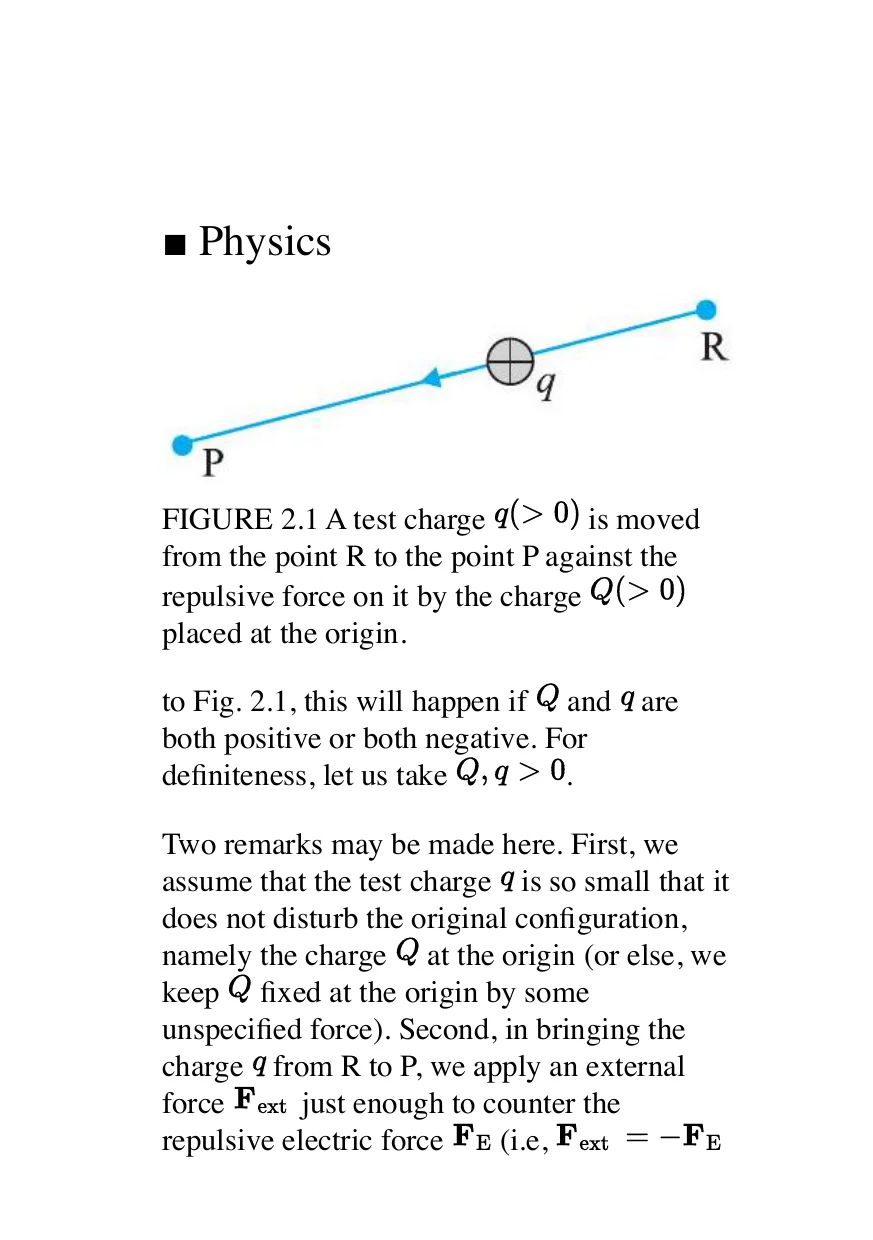
The EPUB reads like a real book
- Text reflows around figures and formulas
- Equations and diagrams stay readable
- Clickable footnotes, tap to jump, tap to return
- Watermarks and ads stripped away automatically
- Full TOC with instant chapter navigation
English and Spanish pages rendered from two actual EPUBs of the same Alice excerpt. Spanish wording was reviewed for this sample.
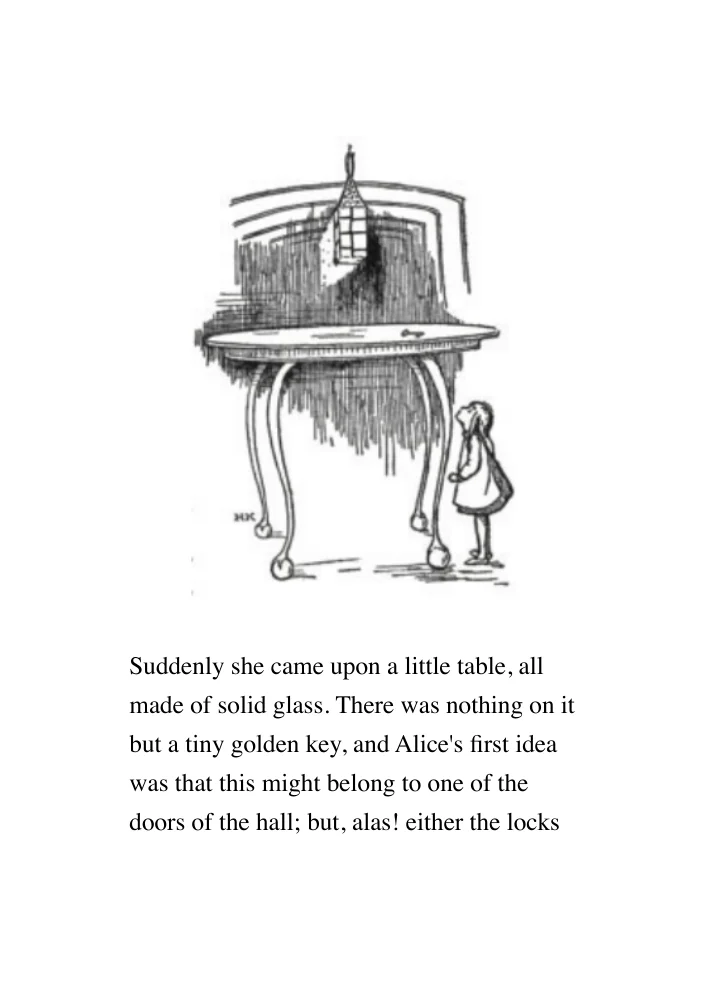
The original English EPUB
- The story is readable only in English
- Looking up every passage interrupts reading
- A separate translation loses the book’s layout
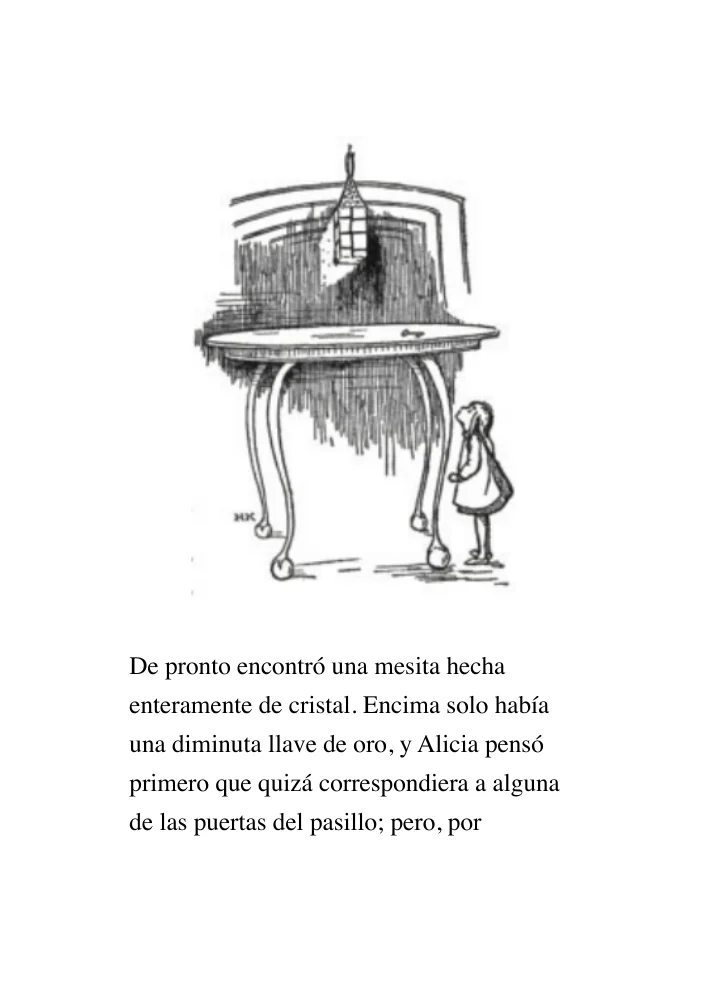
The same passage in Spanish
- The story text is translated in the EPUB
- The original drawing stays in place
- Reading order and formatting remain intact
From readers
What readers are saying
From the thread where this was first posted. Every quote links back to the comment it came from.
There are heroes out there
absh3841r/kindleHi there. I just wanted to let you know that your angel. Archangel. Beautiful wings. Thank you.
First-Locksmith3069r/kindleWorks like a charm. Congrats.
FabricioVFr/kindleWow this is amazing. Thanks for Sharing brother
e1toledor/kindleIm looking forward to trying this out tonight, it sounds so much better than any of the PDF converters that I have tried.
Cellist-Commonr/kindleWoah this is awesome, I was looking for something just like this recently so this is perfect timing
potato_and_nutellar/Annas_ArchiveVery cool! I’d happily pay to have this as a desktop app
yamamushir/Annas_ArchiveThis is a great tool. I think you have something here. Try to protect your work!!
mikester4r/kindleTried it with my curriculum pdf and was able to convert! Great job!
GlassAd8921r/kindleThis is wonderful- thank you! The tools I’ve tried always have extra line endings, etc.
3iversonr/kindleIt’s really great! Keep up the good work!
Fafa_curiousity1716r/kindleNext time I need to convert a pdf into an epub I will try this.
WebSame2893r/kindleGreat! Thanks so much 😊
kgas36r/Annas_Archivenice work, thank you so much!
akilighonr/Annas_Archive
for your
Kindle
Word docsKindle
welcome
Kobo, too
rich textcomes along
and there’s more
More ways in.
plain text,More ways in.
More places to read.
DOCX, RTF, TXT, ODT, and HTML become EPUBs for Kindle, Kobo, Apple Books, and any EPUB reader.
beautiful book web pages
become pages OpenDocument
fits right in
Apple Books
and beyond
and beyond
Pricing
Free for text. Credits for heavier work and translation.
Convert ordinary text PDFs free. Start with 30 credits for scans and Pro recognition.
No account needed
$0-per book
- No account or sign-in required
- Processing priority: Low
- No page limit
Choose your credits
$11.00total
$0.011 per credit
- 1 credit per OCR page
- 2 credits per Pro page
- Credits do not expire
Desktop app
Was $24.99now $12.49Paid once
One-time purchase, no subscription
- Offline conversions
- Unlimited local use
- No account required
Desktop App
Pay once to get the app forever
Get the official app for offline conversions and support.
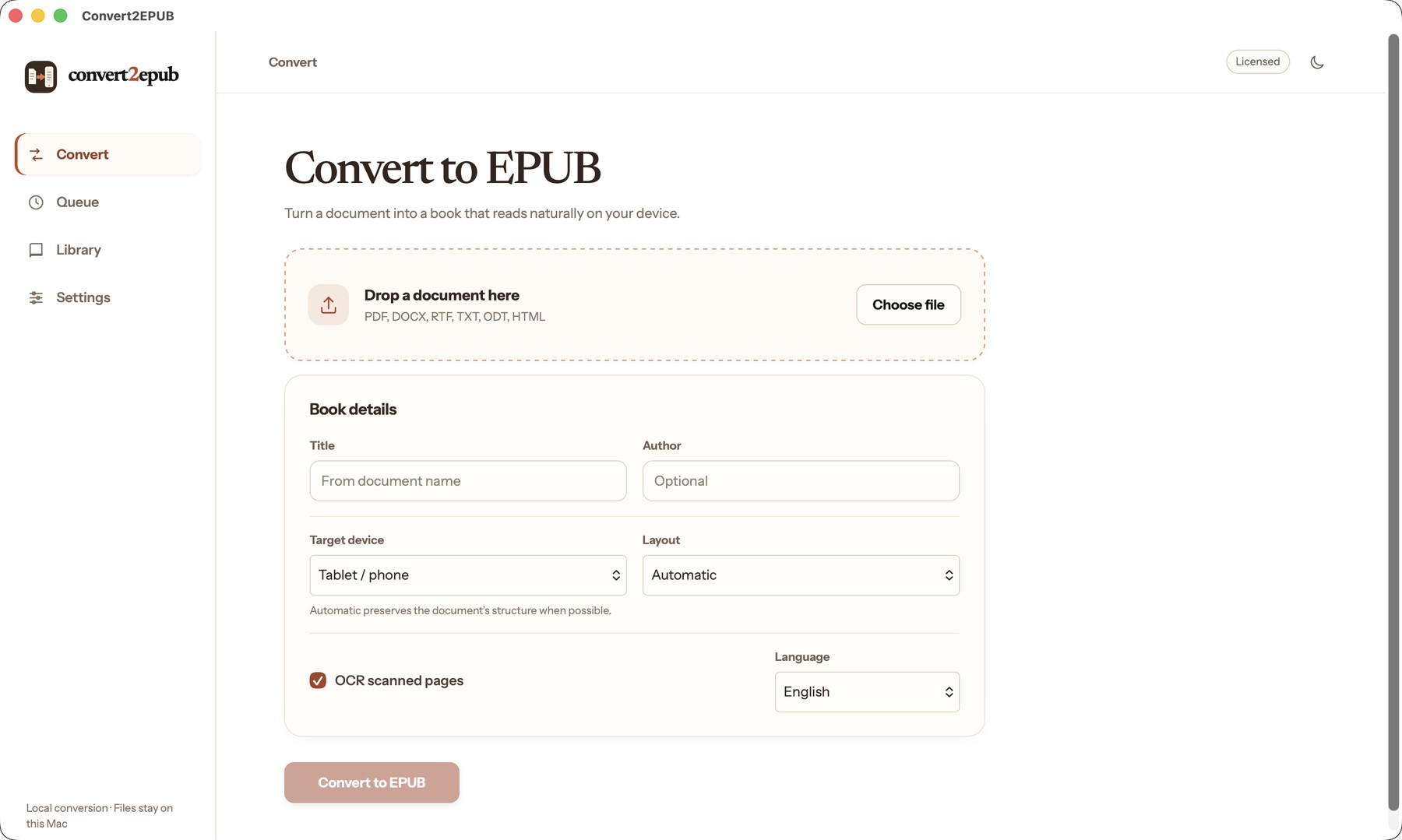
- Runs locally on Apple Silicon Macs
- Includes the same reflowable EPUB workflow
- Access future desktop app updates
FAQ
Frequently asked questions
How does pricing work?
Convert2EPUB uses credits for processing that costs more to run, rather than charging for each book. Ordinary text PDFs are free with Standard. Recovering an already-scanned text layer uses 1 credit per 10 pages, fresh OCR uses 1 credit per page, and Pro uses 2 credits for every PDF page. You see the exact total before conversion starts, and failed conversions return reserved credits. If a book needs less work than quoted, unused reserved credits return to your balance. Translation costs 1 credit per 500 words. Scanned PDF pages are estimated from readable pages in the same file, or at 250 words each when the PDF has no readable text. Standard adds OCR credits when needed; Pro recognition is charged at 2 credits per PDF page.
New accounts receive 30 credits. Credit pricing starts at $0.0125 per credit for 250 credits, then drops by $0.0001 per credit for each additional 50 credits, reaching $0.008 per credit at 2,500. The selected amount and total are shown before checkout; purchased credits do not expire. The desktop app is a separate $12.49 one-time purchase and does not include credits. Prefer not to sign in? The first 10 pages of recovered text or OCR, combined, convert free with no account at all. Further OCR pages are $0.015 each rather than a sign-in wall. Anonymous paid conversions have a $1.39 minimum and are capped at $3.49 per book, whether the charge comes from OCR, text-layer recovery, or both. Pro recognition always requires an account and credits.
What's the difference between Standard and Pro?
Standard is best for novels, reports, and PDFs that already contain selectable text. It converts text locally into a reflowable EPUB and can also recover existing scan text layers or run OCR when needed.
Pro is designed for textbooks and technical documents. It sends every page through Mathpix to reconstruct formulas, tables, code, images, and reading order while keeping the surrounding text reflowable. Pro uses 2 credits per PDF page because every page is processed by the recognition service.
What's included in a free conversion?
Any ordinary text PDF can be converted with Standard for free, without an account or page limit. Automatic chapter detection, removal of repeated headers and footers, image preservation, a clickable table of contents, and EPUB formatting for your selected reader are included.
Fixed Layout is also free because it preserves each PDF page as an image. Credits are only required when Standard must recover text from scanned pages or when you choose Pro recognition.
DOCX, RTF, TXT, ODT and HTML files convert free too, with no account and no page limit — they already carry real paragraph and heading structure, so there's no scan or OCR question to settle.
Why does my converted book have no reflowable text in it?
It was almost certainly a scan. If it holds a recognised text layer this converter will find and use it. If it holds none, tick "Read scanned pages" to run OCR, or accept a fixed-layout book of page images.
When should I turn on OCR?
Turn it on for scanned pages that contain no selectable text. The quote checks the PDF first: existing text pages remain free, while pages that actually need OCR use 1 credit each. If you leave OCR off, those pages are preserved as images instead and do not use credits.
Can I put the result on a Kindle?
Yes. Amazon's Send to Kindle accepts EPUB, by email or through their web uploader. Choose your reader under Target device first and the book is sized for it.
What happens to my file?
Anonymous uploads and EPUBs are removed after download or shortly afterwards.
If you sign in, uploaded files and completed EPUBs stay in your library for repeat downloads for up to 30 days; they are not permanent cloud storage. Reserved credits are returned automatically when a conversion fails.
Is there a size limit?
100 megabytes per file. A long book is fine; conversion runs in the background and the page shows which stage it has reached.